
Last updated: October 2, 2026
The quick answer
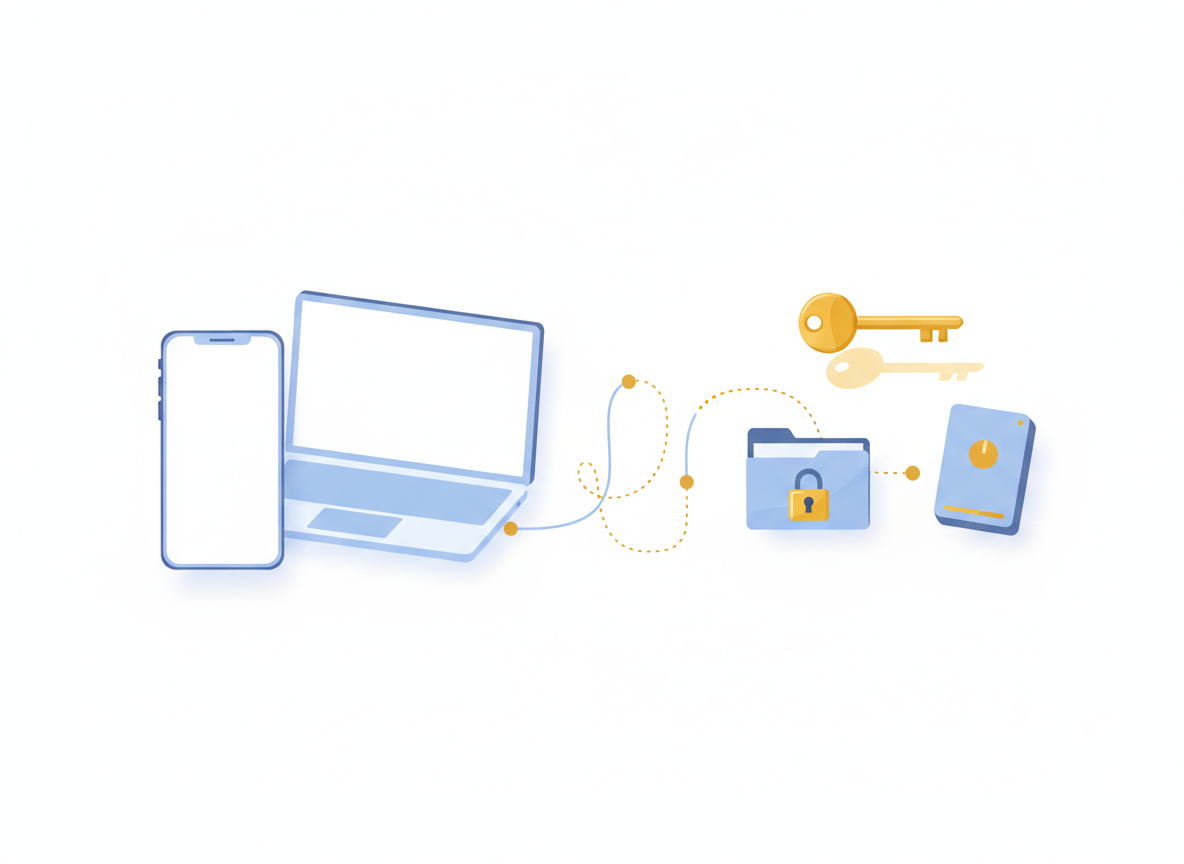
Signal version 8.30 brings encrypted on-device backups to iPhone and to Signal Desktop on Windows, macOS and Linux, so every platform can now back up chats locally and restore them across devices. Both local backups and Signal’s hosted Secure Backups are end-to-end encrypted and depend on a recovery key that Signal cannot reset, so saving that key safely is the most important step.
What happened
On September 28, 2026, Signal published an update on its backup project, and version 8.30 started rolling out on iOS and desktop around the same time. The headline change is that on-device backups, which Android users already had, now work on iPhone and on the desktop app too. Signal has also rebuilt Android backups so all platforms share one format, which means a backup made on one device type can be restored on another.
Signal describes a backup as an “end-to-end encrypted copy of your Signal messages.” You can store it on your device, an external drive or a home network drive. The update also adds direct iPhone-to-iPhone transfers over Wi-Fi Aware, an encrypted local connection between the two phones, which helps when you switch iPhones.
Your two backup options
| Option | Where it’s stored | What’s included | Key detail |
|---|---|---|---|
| On-device backup | Your phone, computer, external drive or NAS | Messages and media, with no size cap from Signal | You manage the storage and copies yourself |
| Secure Backups (free) | Signal’s servers | Text messages plus the last 45 days of media | Encrypted; Signal can’t read it |
| Secure Backups (paid) | Signal’s servers | Messages and up to 100GB of media | Requires a paid plan |
In both cases, messages set to disappear within 24 hours are left out of backups, and media files are stored separately so duplicates take up space only once.
What changes for you
For iPhone users, this closes a long-standing gap: losing or breaking a phone no longer has to mean losing your Signal history, as long as you set up a backup in advance. Desktop users get a way to keep a local, encrypted archive on a computer they control.
The trade-off is responsibility. Your backup is only as safe as your recovery key. Signal cannot recover a lost key, so without it the backup can’t be opened. And if someone else gets the key and a copy of your backup, they could read your messages. gHacks notes that attackers have already gone after Signal backup keys, so treat yours like a password.
How to set up Signal backups
- Update Signal to version 8.30 or later on your phone and computer.
- Open the Backups section in Signal’s settings and choose between Secure Backups or an on-device backup.
- On Signal Desktop: go to Settings > Backups, select Set up under “Other ways to back up,” confirm with your computer password if asked, and pick a folder. Don’t rename that folder later.
- Save your recovery key. Signal shows a 64-character key. Store it in a password manager or write it down and keep it somewhere secure.
- Keep a second copy of local backups. If your backup lives only on the same phone, it won’t help if that phone is lost. Copy it to an external drive or another safe location.
Where not to store your recovery key
- Screenshots in your photo library
- Unencrypted notes apps or shared documents
- Messages to yourself or anyone else
Who it affects and who it doesn’t
- Most affected: iPhone and desktop Signal users who had no local backup option before.
- Also affected: Android users, whose backups now use the new cross-platform format.
- Not affected: anyone who chooses not to back up. Backups are optional, and nothing is uploaded unless you turn on Secure Backups.
While you’re tightening your phone’s security, make sure your iPhone itself is patched. See why you should install iOS 26.7.1.
FAQ
Can Signal read my backups?
Signal says backups are end-to-end encrypted and it cannot decrypt them without your recovery key.
What happens if I lose my recovery key?
You won’t be able to restore that backup, and Signal can’t reset the key for you. Save it before you need it.
Are disappearing messages backed up?
Messages set to disappear within 24 hours are excluded from backups.

Leave a Reply