
Last updated: October 2, 2026
The quick answer
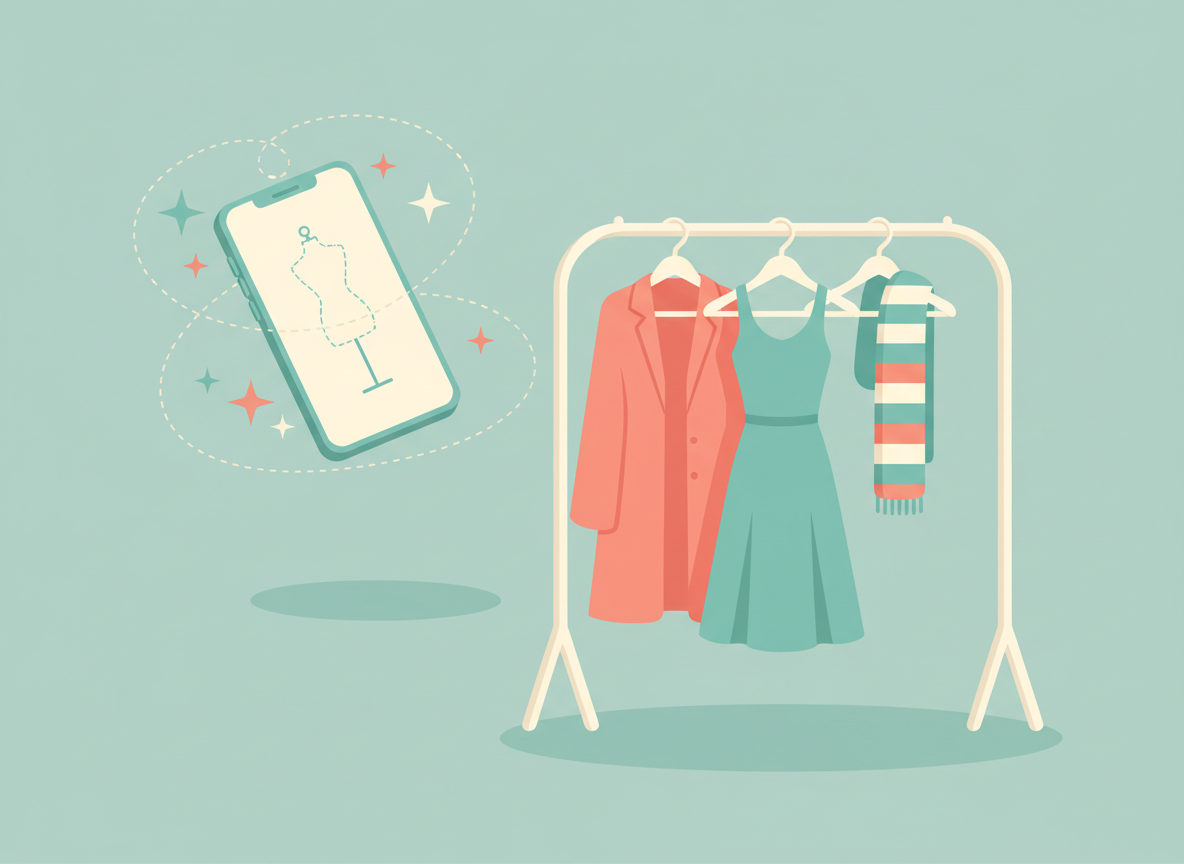
ChatGPT can now show you an AI-generated preview of how clothes and accessories might look on you: tap “Try on” on an eligible product, add a selfie and a full-body photo, and it creates an image with ChatGPT Images. OpenAI’s release notes say the feature, plus a new way to save products to Favorites, is available on web and mobile across all plans. It is a styling aid, not a fit guarantee, so always check sizes and return policies before you buy.
What happened
On October 1, 2026, OpenAI added two shopping features to ChatGPT. The first is virtual try-on: when ChatGPT shows you clothing or accessories in its shopping results, eligible listings now carry a “Try on” button. You provide a photo of yourself, and ChatGPT generates a preview of you wearing the item. You can also upload a picture of a piece you found elsewhere, such as a screenshot from a store website, and ask ChatGPT to show it on you.
The second feature is Favorites. You can save products you like and group them into your own folders inside your ChatGPT Library, so you can come back later and compare options instead of scrolling through old chats.
Engadget reports that the previews are built with ChatGPT Images 2.5, the image model OpenAI released in September. Google has offered a similar try-on tool in its search results since 2025, so OpenAI is catching up with a feature shoppers already know.
Key details at a glance
| Item | What we know |
|---|---|
| Launch date | October 1, 2026 (ChatGPT release notes) |
| Plans | All ChatGPT plans, according to OpenAI |
| Platforms | Web and mobile apps |
| Photos needed | A selfie and a full-body photo |
| Where photos are kept | Saved as reference photos for future try-ons; manage them in Settings > Personalization > Reference photos |
| Saving products | Favorites and custom folders in your ChatGPT Library |
| Fit and size | Not confirmed by the preview |
What changes for you
If you already ask ChatGPT for outfit ideas or product recommendations, you can now go a step further and see a rough visual of the result on your own body instead of on a model. That can help you rule out colors or cuts you don’t like before you click through to a store.
The limits matter just as much. OpenAI’s own guidance says the preview may not match your appearance or the product exactly and does not confirm fit or size. In other words, it shows a plausible picture, not a measurement. A jacket can look perfect in the preview and still arrive too tight in the shoulders.
There is also a privacy trade-off. To work, the feature needs clear photos of your face and body, and ChatGPT keeps them as reference photos so you don’t have to upload them each time. Engadget also points out that content from personal accounts can be used to improve OpenAI’s models unless you opt out in your data settings.
How to use ChatGPT virtual try-on
- Update the app. Make sure you’re on the latest ChatGPT app, or open ChatGPT on the web.
- Ask for products. Describe what you’re looking for, for example “a navy rain jacket for city commuting,” or upload a screenshot of an item you like.
- Tap “Try on.” On an eligible clothing or accessory listing, tap the item and choose Try on.
- Add your photos. Take or upload a selfie and a full-body photo. Good lighting and a plain background tend to give cleaner results.
- Review the preview. Treat it as a style check, then compare the merchant’s size chart and return policy before ordering.
- Save what you like. Add items to Favorites or a custom folder in your Library to compare later.
How to protect your photos
- Go to Settings > Personalization > Reference photos to replace or delete the images ChatGPT has stored.
- Check your Data controls settings and turn off model training if you don’t want your content used to improve OpenAI’s models.
- Use photos you’d be comfortable storing in the cloud, and avoid images that show other people, documents or your home address.
Who it affects and who it doesn’t
- Useful for: people who already shop with ChatGPT and want a quick visual check on colors, styles and combinations.
- Less useful for: anyone who needs exact fit, such as tailored clothing, shoes or formalwear. A size chart and a generous return policy still matter more.
- Doesn’t affect: people who never use ChatGPT’s shopping results. Nothing happens unless you tap Try on and add a photo.
Shopping is only one of several new ChatGPT features this month. For the bigger picture, see our guide to OpenAI’s always-on dots and our GPT-6.1 Sol explainer.
FAQ
Is ChatGPT’s virtual try-on free?
OpenAI’s release notes list the feature for all plans, which includes the free tier. Usage limits on image generation may still apply depending on your plan.
Can I try on clothes from any store?
The Try on button appears on eligible listings in ChatGPT’s shopping results. You can also upload a screenshot of an item from another site and ask ChatGPT to show it on you, but the result is an AI approximation.
How do I delete the photos I uploaded?
Open Settings, then Personalization, then Reference photos. From there you can replace or delete the selfie and full-body images ChatGPT saved for try-ons.


Leave a Reply