

Last updated: October 10, 2026
The quick answer
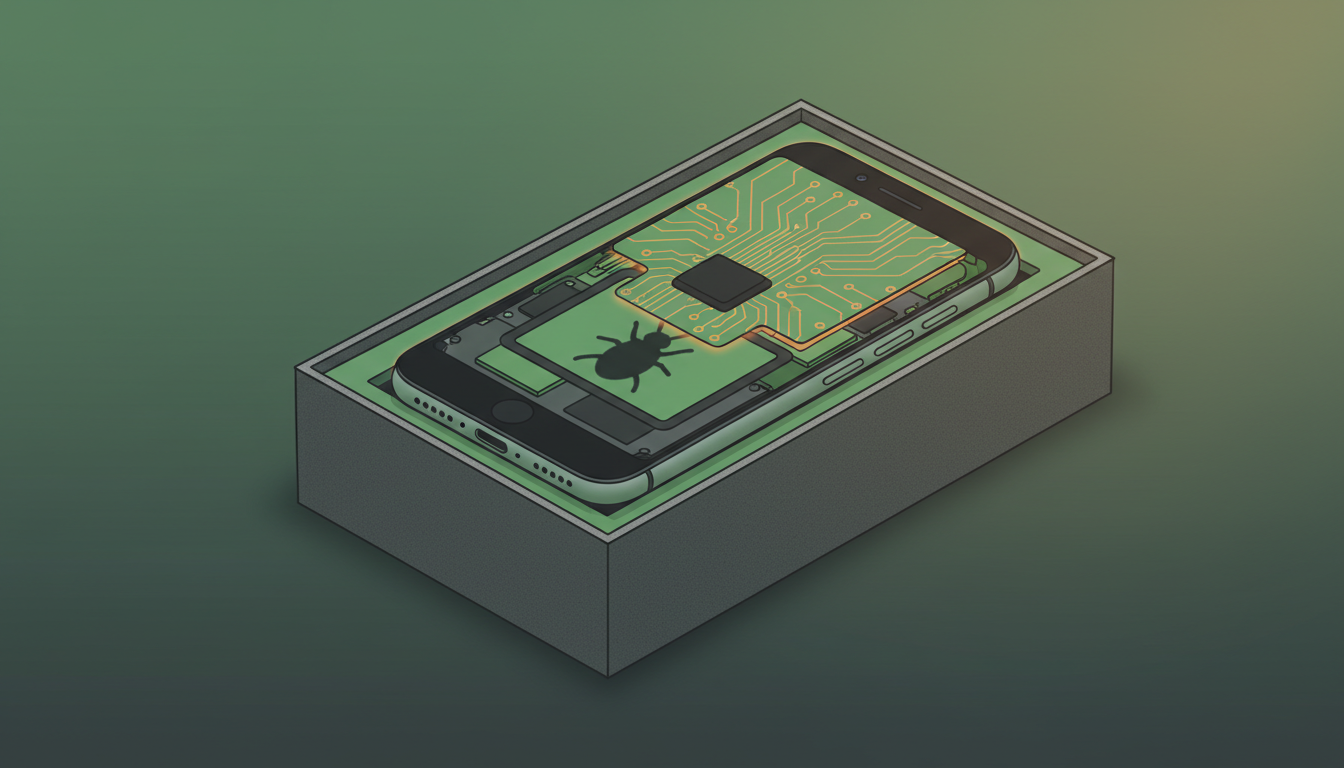
Security firm iVerify has found a new variant of the DarkSword iPhone spyware, which it calls P7, that can steal Keychain passwords, crypto-wallet data, photos and files from iPhones that haven’t been updated. It relies on flaws Apple has already fixed, so the protection is simple: install the latest iOS update available for your iPhone.
What happened
DarkSword is an iOS exploit chain that Google and security researchers, including iVerify and Lookout, documented earlier in 2026. It strings together several serious iOS vulnerabilities, some of which were used as zero-days before Apple knew about them. Different groups have used it to install their own spyware on iPhones running iOS 18.4 through 18.7.
On October 8, 2026, iVerify published research on a previously unseen variant. The company found it while investigating an infected iPhone at a customer organization in August. The name comes from a “p7_” prefix the attackers added to the code. P7 is not a new iOS vulnerability; it is the spyware that gets installed after DarkSword breaks into a vulnerable phone.
According to iVerify and 9to5Mac’s reporting, P7 is quieter than earlier versions and adds new capabilities:
- It pulls specific data out of the iPhone’s Keychain, where saved passwords and credentials live, and sends it to the attackers.
- It targets crypto-wallet data.
- It can take commands to grab files and photos, list installed apps, read Apple Notes data and scan the file system.
- It checks in with its control server frequently and reduces the traces it leaves on the device.
9to5Mac reports that the attackers spread it through malicious ads on compromised websites, which means victims don’t have to be individually targeted. Simply visiting the wrong page on an unpatched iPhone could be enough.
What changes for you
If your iPhone is up to date, the flaws P7 depends on are already patched. Apple fixed the DarkSword vulnerabilities earlier this year and also released updates for older iOS branches, including iOS 18.7.7, iOS 16.7.15 and iOS 15.8.7, according to 9to5Mac.
The risk is concentrated among people who stayed on an older iOS 18 release and never installed the follow-up updates. That group is larger than you might think, because many people dismiss update prompts or avoid major upgrades. The timing helps: 9to5Mac reported on October 9 that Apple now shows iOS 27.0.1 as the main recommended update in Settings for iPhones still on iOS 26, while still letting people stay on iOS 26 if they prefer.
How to protect your iPhone
- Check your iOS version. Go to Settings > General > About and look at the iOS Version line.
- Install the latest update. Go to Settings > General > Software Update. Install whatever is offered, whether that’s iOS 27.0.1 or the newest update for the iOS version you’re on. If you’re still on iOS 18, make sure you have at least iOS 18.7.7.
- Turn on automatic updates. On the Software Update screen, tap Automatic Updates and enable both installing iOS updates and security responses, so future fixes arrive without you having to remember.
- Restart occasionally. Many iPhone spyware infections don’t survive a reboot. Restarting doesn’t replace updating, but it’s a cheap extra habit.
- Consider Lockdown Mode if you’re a high-risk target. Journalists, activists, executives and people handling large crypto holdings can turn on Lockdown Mode in Settings > Privacy & Security. It limits some web and messaging features to shrink the attack surface.
- Move crypto off an old phone. If you keep a wallet app on an iPhone you can’t update, consider moving funds to a device that gets current security updates.
We covered an earlier exploited iPhone flaw in iOS 26.7.1 fixes an exploited zero-day; the same advice applies here. And because many attacks start with a bad ad, it’s worth reading today’s piece on fake download ads targeting Mac users.
Who it affects and who it doesn’t
| Your iPhone | Risk from DarkSword P7 |
|---|---|
| On iOS 27 or the latest iOS 26 update | Protected against the known DarkSword flaws |
| On iOS 18.7.7 or later | Patched for the known DarkSword flaws |
| On iOS 18.4 to 18.7 without later updates | Vulnerable; update now |
| An older model that can’t update past an old release | Install the last update Apple offers for it, and avoid storing sensitive data or crypto on it |
iVerify did not say which iOS version was running on the infected phone it investigated, and it notes that older detection indicators for DarkSword no longer catch this variant. Organizations that manage iPhones should check the updated indicators in iVerify’s report.
FAQ
Is DarkSword P7 a new iPhone vulnerability?
No. It’s new spyware that runs after a phone is compromised through the existing DarkSword exploit chain, whose flaws Apple has already patched.
How would I know if my iPhone is infected?
Usually you wouldn’t, because this kind of spyware is built to stay hidden. That’s why updating matters more than looking for symptoms. If you believe you’re being targeted, consider a professional forensic check and enable Lockdown Mode.
Should I upgrade to iOS 27 or stay on iOS 26?
Either is fine for this threat, as long as you install the latest update for whichever version you choose. Apple now recommends iOS 27.0.1 by default, but it still offers updates for iOS 26.
Sources
- iVerify: Sleep, Beacon, Steal, Repeat – The Story of P7 DarkSword Variant
- 9to5Mac: Researchers uncover new DarkSword spyware variant affecting unpatched iPhones
- 9to5Mac: iOS 27.0.1 is now Apple’s recommended update for users still on iOS 26
- Google Cloud Threat Intelligence: DarkSword iOS exploit chain
- TechRadar: This new DarkSword iOS exploit can steal almost everything from your iPhone

Leave a Reply