
Last updated: October 8, 2026
The quick answer
OpenAI is rolling out GPT-6 as the default model in ChatGPT’s Chat tab for every plan, together with a feature called Intelligent UI that can turn answers into charts, maps, buttons, forms and small built-in tools. Paid plans (Plus, Pro, Business and Enterprise) get GPT-6 Sol starting October 7, while Free and Go users get GPT-6 Luna starting a day later. You don’t need to do anything to get it, but knowing how to ask for interactive answers helps you get more from it.
What happened
On October 7, OpenAI announced that GPT-6 is coming to everyone who uses ChatGPT. The first GPT-6 models arrived last month for paying customers; this release brings the family to the everyday Chat experience, including the free tier. The company says ChatGPT now has more than 1.2 billion weekly users.
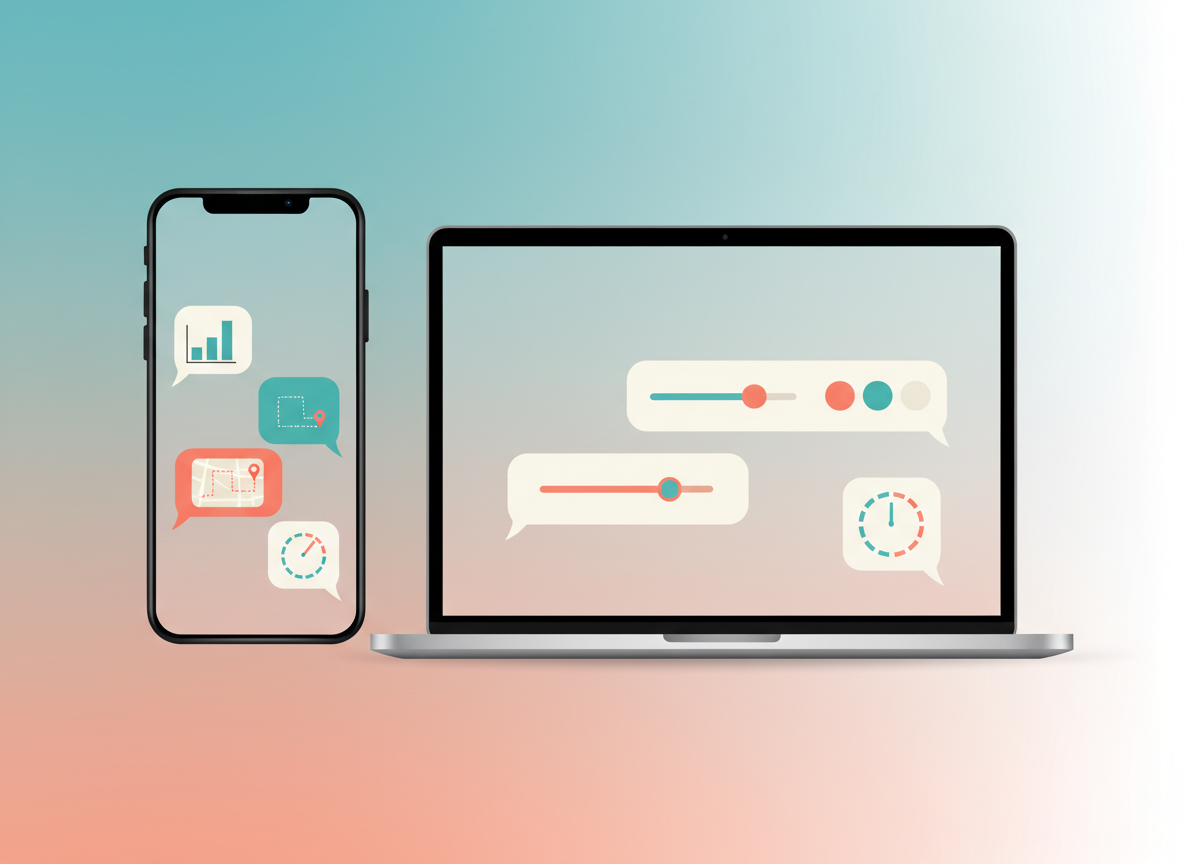
The headline feature is Intelligent UI. Instead of always replying with paragraphs of text, ChatGPT can decide that a comparison table, a diagram, a map or a small interactive tool would answer your question better, and build it right inside the conversation. OpenAI’s examples include a cooking timeline next to a recipe, road-trip stops plotted on a map, adjustable inputs for students, and on-the-spot tools such as a savings calculator, a bill splitter or a simple game. These elements stream in as the answer is generated, on both web and mobile.
OpenAI also says GPT-6 can start answering while it is still reasoning. For questions that need a web search, the company reports that GPT-6 Instant begins responding 44% sooner on average than GPT-5.6 Instant. That figure comes from OpenAI’s own testing.
Which model you get
| Plan | Model in Chat | Rollout start |
|---|---|---|
| Plus, Pro, Business | GPT-6 Sol | October 7, globally |
| Enterprise | GPT-6 Sol | October 7, depending on admin settings |
| Free and Go | GPT-6 Luna | October 8 |
The change applies only to the Chat tab. OpenAI says the models behind Work and Codex are not changing with this update. Rollouts like this usually reach accounts gradually, so it may take a little time to appear for you.
What changes for you
For most people, the biggest difference will be the shape of answers. Questions about planning, comparing, budgeting or learning are the ones most likely to come back as something you can tap, adjust or explore rather than read. A question like “how much should I save each month to reach a goal” could come back with a calculator you can tweak, instead of a fixed number.
Free and Go users also get a newer model than before. GPT-6 Luna is the version for those plans, while paid plans get GPT-6 Sol. OpenAI has not published detailed usage limits for each plan in its announcement, so limits you are used to may still apply.
If you’ve been following OpenAI’s recent releases, this sits alongside the faster model we covered last week in GPT-6.1 Sol explained and the always-on Dots agents for higher-tier plans.
How to get the most out of it
- Update the app. On iPhone or Android, install the latest ChatGPT version from your app store so new interface elements display correctly. On the web, a refresh is enough.
- Use the Chat tab. Intelligent UI is part of Chat, not Work or Codex.
- Ask for the format you want. Phrases like “compare these in a table”, “show this on a map” or “give me a calculator I can adjust” make your intent clear.
- Ask for plain text when you need it. If you want something to copy into an email or document, say “answer in plain text”.
- Double-check numbers. A polished chart or calculator is still generated by AI. For money, health or legal decisions, verify the figures with an official source.
Who it affects and who it doesn’t
- Affected: anyone using ChatGPT’s Chat tab on any plan, on web or mobile.
- Depends on your admin: Enterprise users, whose workplace settings control availability.
- Not affected: people using ChatGPT mainly through Work or Codex, and developers using the API, since this announcement covers the consumer Chat experience.
Also new today: Claude can now work directly inside Google Docs, Sheets and Slides, and Google’s Playground turns text prompts into games.
FAQ
Is GPT-6 free in ChatGPT?
Yes. Free and Go users get GPT-6 Luna from October 8. Paid plans get GPT-6 Sol.
Can I turn Intelligent UI off?
OpenAI’s announcement doesn’t describe a dedicated switch. The model chooses the format based on your question, so the simplest approach is to ask for a plain-text answer when that’s what you need.
Why don’t I see it yet?
The rollout is gradual and global. Make sure you’re on the latest app version and using the Chat tab. Enterprise users may need their admin to enable it.


Leave a Reply